How To Add a Horizontal Menu
Overview
In this how-to you will learn how to add a horizontal menu.
Note
If you don’t have a working LFS instance yet, you can just use our demo shop at http://demo.getlfs.com. Please be aware that we reset the database every two hours.
Overview
By default there is no automatically horizontal menu. You can add so-called actions to add one.
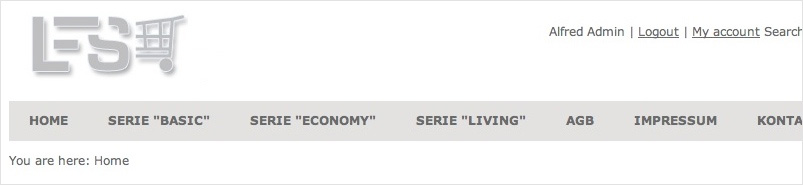
Step by Step
Go to Management / Shop / Actions.
Click on
Add action.Enter the
Linkfor the action.Select the
GroupTabs.Click on
Add.Now check the
Activecheckbox. Note: only active actions are displayed.Repeat Steps 2. - 6. for every action.
Note
In order to sort action grab the handle on the left side of an action (six dots) and drag’n drop it to the new position.